Why I Run a Personal Jira for My Side Projects
Side projects die in scattered notes and half-remembered ideas. Here is how I run a lightweight, Jira-style setup for a team of one: tasks, docs and QA in one place, and the rules that keep it from becoming a chore.
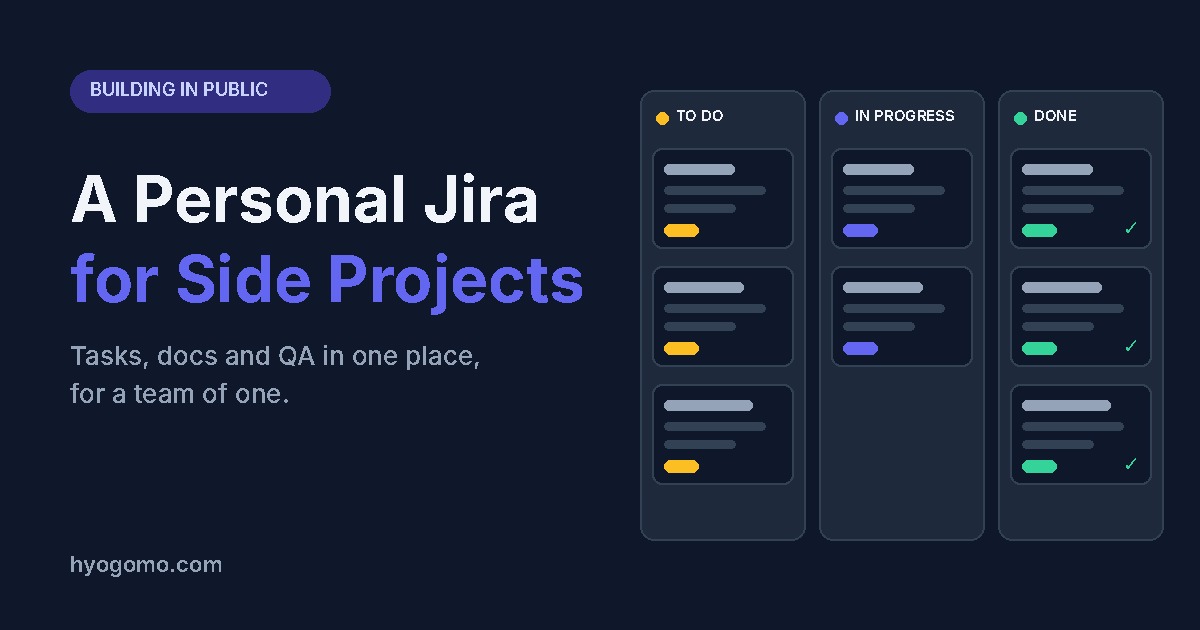
Why I Run a Personal Jira for My Side Projects
Most side projects don't fail because the idea was bad. They fail because the work lives in five places: a notes app, a few browser tabs, a chat with yourself, and your head. After two busy weeks at my day job, I come back and can't tell what was done, what was next, or why I made a decision.
So I started running my side projects the way I'd run a product team, with a small Jira-style setup for a team of one. It sounds like overkill. It has been the single biggest reason I actually ship.
What "personal Jira" means here
It isn't a big process. It's three things in one place:
- Projects and tasks. Every project has a short key, and every task has an ID, a status and a priority.
- Docs. Specs, decisions and checklists live next to the tasks they belong to, not in a separate app.
- A QA step. Work isn't done when I stop typing. It's done when it passes a checklist I wrote before building.
That's it. No sprints, no story points, no ceremonies.
The rules that keep it light
A tool like this turns into homework unless you set limits. These are mine:
- One task, one outcome. If I can't finish it in a sitting or two, it's really two tasks.
- Write the "done" line first. Every task starts with one sentence: when this is true, I'm finished.
- Statuses stay few. To Do, In Progress, In QA, Done. Anything more and I spend more time moving cards than doing work.
- Decisions go in the doc, not in my memory. If I chose X over Y, I write one line on why. Future me is a stranger who will question everything.
- Weekly review, ten minutes. I look at what's stuck, cancel what no longer matters, and pick the next three tasks. Nothing more.
Why the QA step matters most
On a team, someone else catches your mistakes. Alone, you ship your own blind spots. Writing a short test checklist before I build forces me to define the behaviour up front, and running it afterwards catches the embarrassing bugs that I would otherwise find in production.
It's the cheapest quality gate I know, and it only takes a few minutes.
What changed for me
- I stopped losing context. Opening a project tells me exactly where I left off.
- I make fewer scope-creep decisions. New ideas go into the backlog instead of into today's work.
- I finish more. A visible list of small, closeable tasks is far more motivating than a vague goal.
- I think like a PM about my own work. Prioritising, cutting and defining "done" are muscles, and side projects are a free place to train them.
How to start this week
You don't need a special tool. Start with whatever you have:
- Pick one side project and give it a short name.
- Write down every loose task, then trim to the next ten.
- Add a one-line "done" to each.
- Keep one doc for decisions.
- Review it every week.
If it feels useful after a month, then think about tooling. Process first, software second.
If you run your side projects differently, I'd like to hear how.
- #product-management
- #side-projects
- #task-management
- #jira
- #building-in-public
- #productivity
- #solo-founder
- #pm-workflow

Product manager for EV, battery-swapping and fleet platforms. More about me.